
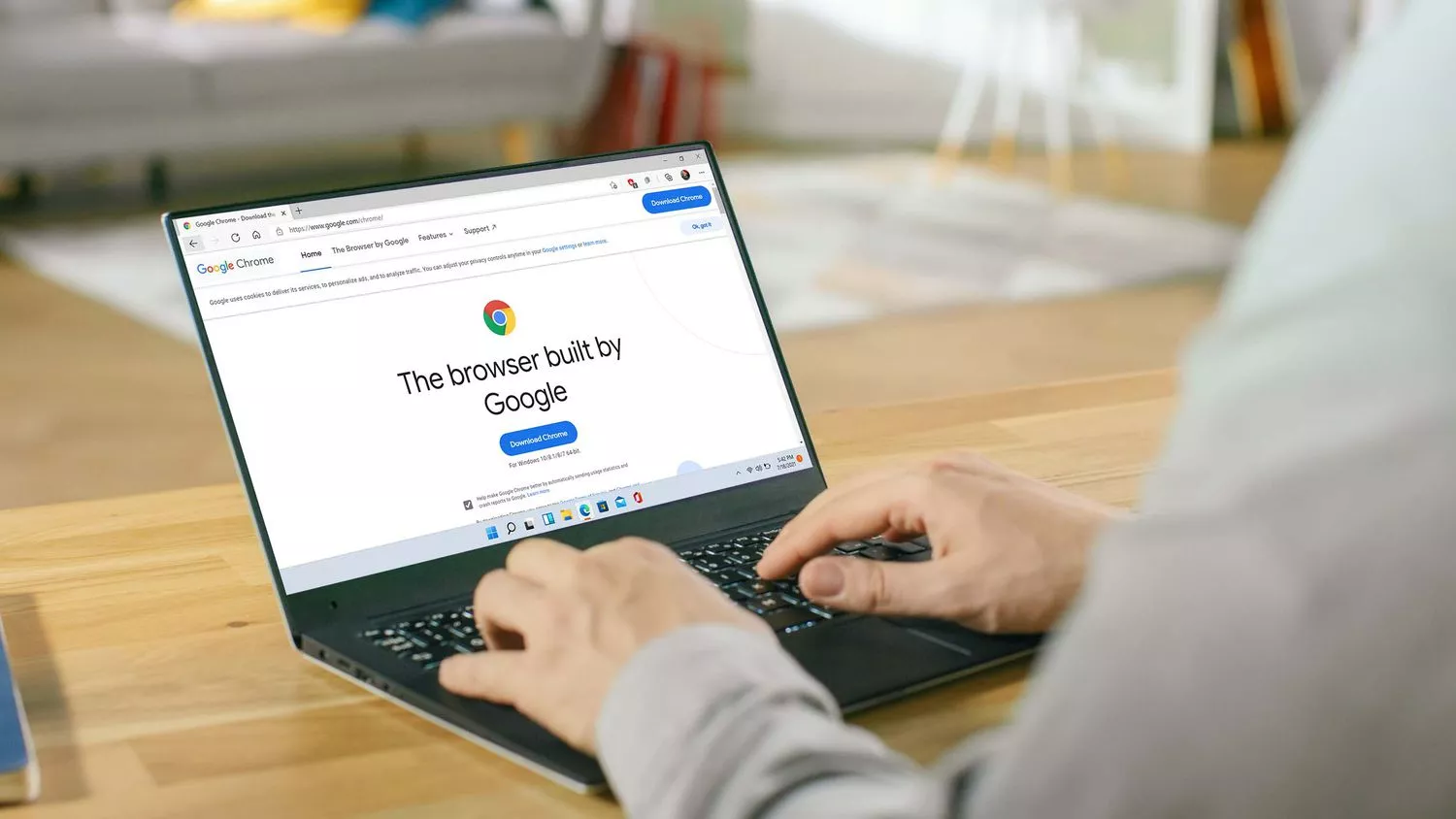
(Patria) - Google's option that allows searching the internet by circling objects on the phone screen is quite popular among Android users, and it is now coming to computers.
Of course, as it is a Google option, it is available on their web browser Chrome, for users of Chromebooks, as well as computers running Windows and MacOS.
For Chromebook users, this option is readily available and the search icon is located on the Chrome address bar itself, so it can be activated quickly, reports Zimo.hr.
Windows and Mac users will have to click a few more times to use it. Within Chrome, you first need to click on the three dots in the upper right corner of the screen and, when the options open, select "Search this page using Google".
A smaller screen with a search bar will appear on the right side of the screen, and within that bar, you can enter your search term and, while browsing the page, search for terms or images that interest you in that second window.
It is also possible to click on the Google Lens option, which opens a special window where you can "drag" things, i.e., images from the page you are browsing, and Google will search the internet for that image content.
In addition to images, you can also select the text option, and it will search for text, if it is in an image.
Besides the ability to transfer content to another screen, it is also possible (by clicking the lens icon) to start searching on the page itself.
All you need to do is select the object or part of the text you want to search, and it will appear on the right screen, with search results related to that object, image, or term appearing immediately below it.
For example, if you see a photo of an athlete in shoes you like, activate Google Lens, circle or select the shoes in the image, and Google will immediately give you search results related to those shoes.
Or, if you are watching a video with cars and want to know which model is in the video, just pause the playback, circle the vehicle using Lens, and then see what Google says about that car. Quite useful.
Those who will frequently use these options while browsing the internet have the option to set a shortcut on the address bar.
Namely, after opening the side screen, the letter "G" will appear in the upper right corner. Right-clicking will bring up the "Pin" option, and if you confirm it, this option will be automatically available on the side of the toolbar.
Although this is not a significant change to Chrome, Tech Radar says it could have a significant impact on how this Google web browser is used on Windows and Mac computers.
Komentari (0)
Prijavite se za komentiranje
PrijavaJos nema komentara. Budite prvi!
Minuta
Sve →Iz drugih kategorija

High Representative Not Elected: Germans, French and British Against Americans, New Attempt at End of June

ČOVIĆ WITHOUT MERCY: How Those Who Brought Ademović to Office Created a Political Hell for Him



Sunny Saturday, quite warm



Tragedy in Albanian resort: Two minors drown