
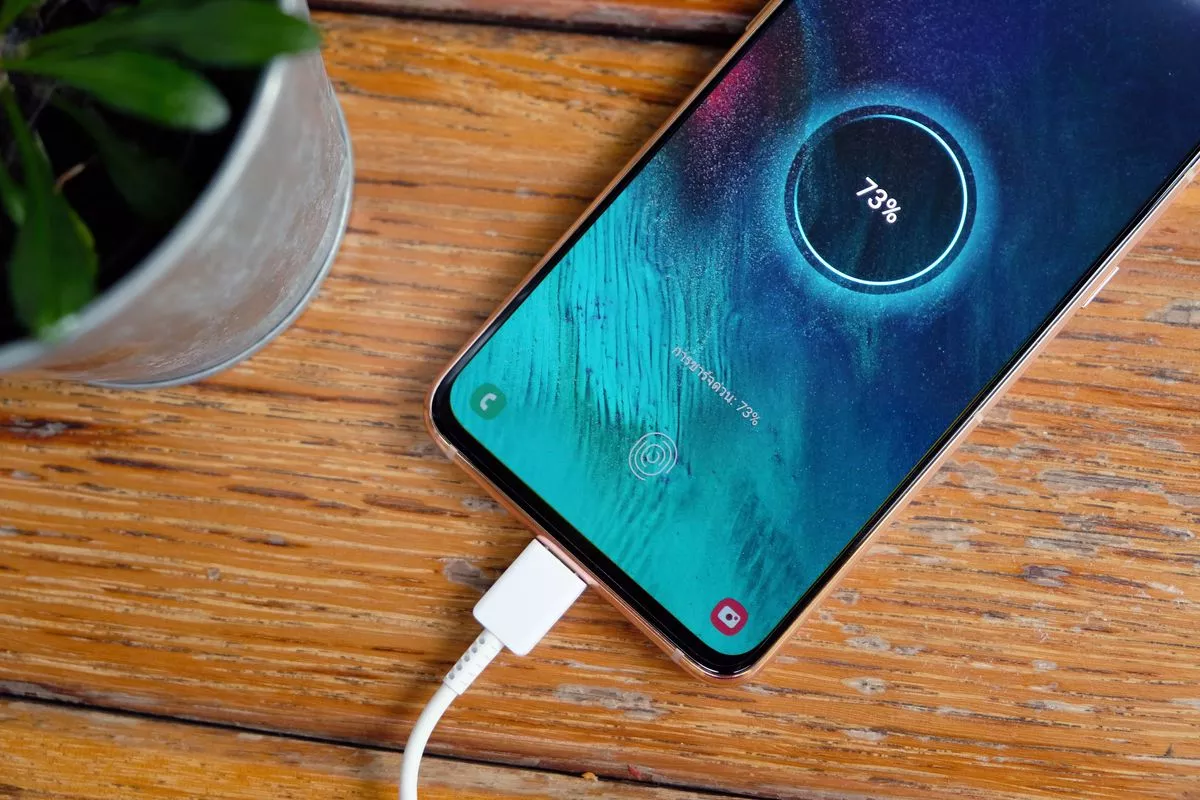
(Patria) - Faster charging of your mobile phone battery can be very useful, especially when you are in a hurry, reports portal 24sata.hr.
Read below what tricks can help you charge your mobile device's battery faster.
Always use the charger that came with your mobile phone or a quality charger recommended by the manufacturer. Original chargers are optimized for your device and often support faster charging.
Enabling airplane mode turns off all wireless functions of your mobile phone, including mobile data, Wi-Fi, and Bluetooth, which reduces power consumption and allows for faster charging.
However, you will be unavailable then, so no one can contact you via mobile phone. This might be good, or it might be bad, depending on the situation.
If you do not need to use your mobile phone while it is charging, turn it off. This way, it does not consume power, which allows for faster charging.
If you do not want to turn off your mobile phone or enable airplane mode, enable power-saving mode. This mode reduces background activity and limits device performance to reduce battery consumption.
However, some applications do not 'like' this mode, which it will likely warn you about when activating this option.
Charging your mobile phone via a USB port on a computer is slower than charging via a standard charger plugged directly into a wall socket.
If your mobile phone supports fast charging, use a fast charger. These chargers deliver more current and can significantly reduce charging time.
Using your mobile phone while it is charging can extend charging time because the device consumes power and charges the battery simultaneously. Let your mobile phone charge without interruption.
Turn off unnecessary functions such as GPS, Bluetooth, Wi-Fi, and mobile data while charging your mobile phone. This can reduce power consumption and speed up charging.
High temperatures can slow down the charging process and damage the battery. Charge your mobile phone in a cool and dry place, avoiding overheating the device.
Use high-quality USB cables that are in good condition. Damaged or low-quality cables can slow down charging.
Check if you have the latest software updates for your mobile phone. Updates often contain optimizations that can improve charging performance and battery life.
Close applications running in the background or uninstall them if you do not use them often. Fewer active applications mean less load on the battery during charging.
Komentari (0)
Prijavite se za komentiranje
PrijavaJos nema komentara. Budite prvi!
Minuta
Sve →Iz drugih kategorija

High Representative Not Elected: Germans, French and British Against Americans, New Attempt at End of June

ČOVIĆ WITHOUT MERCY: How Those Who Brought Ademović to Office Created a Political Hell for Him



Sunny Saturday, quite warm



Tragedy in Albanian resort: Two minors drown